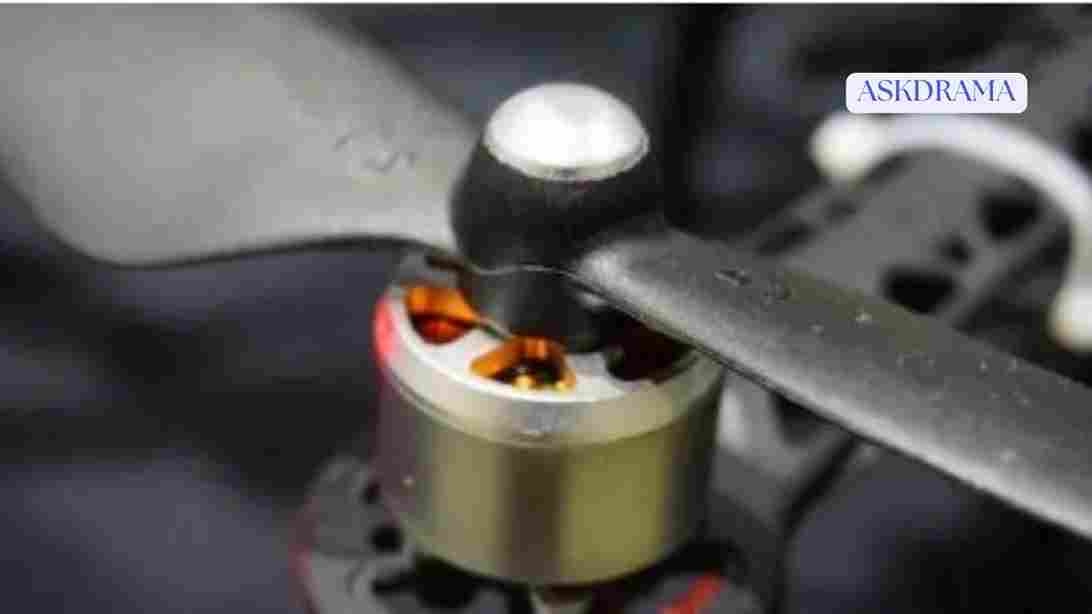
Drone motors are the heart of your aircraft. They generate the thrust needed to lift your drone into the air and keep it stable during flight. When motor problems occur, your drone may struggle to take off, drift uncontrollably, or fail mid-flight.
In this complete 2026 guide, we’ll walk you through everything you need to know about fixing drone motor problems, from identifying symptoms to applying practical solutions.
How Drone Motors Work
Drone motors are typically brushless electric motors that spin propellers to generate lift. Each motor works together with others to control direction, altitude, and stability.
Your drone relies on motors for:
- Takeoff and landing
- Hovering
- Directional movement
- Stability control
Even a small issue with one motor can affect the entire flight performance.
Common Signs of Drone Motor Problems
Recognizing early warning signs can prevent bigger issues:
- Drone not taking off
- One motor not spinning
- Strange noises from motors
- Uneven flight or drifting
- Overheating motors
- Reduced power or performance
If you notice any of these signs, it’s time to troubleshoot.
Main Causes of Drone Motor Problems
1. Dirt and Debris in Motors
Dust, sand, and debris can get inside motors and affect performance.
Solution:
- Clean motors regularly
- Use compressed air to remove debris
2. Damaged or Worn Bearings
Motor bearings can wear out over time.
Signs:
- Grinding noise
- Reduced smoothness
Fix:
- Replace bearings or motor
3. Burnt or Overheated Motors
Excessive heat can damage internal components.
Causes:
- Long flights
- Heavy payloads
- Blocked airflow
Solution:
- Allow motors to cool down
- Avoid overloading the drone
4. Loose or Broken Wires
Electrical connections may become loose or damaged.
Fix:
- Inspect wiring carefully
- Reconnect or replace damaged wires
5. Faulty ESC (Electronic Speed Controller)
The ESC controls motor speed.
Symptoms:
- Motor not spinning
- Inconsistent speed
Solution:
- Replace faulty ESC
6. Propeller Issues
Damaged propellers can affect motor performance.
Fix:
- Replace bent or cracked propellers
7. Firmware or Calibration Problems
Software issues can affect motor behavior.
Solution:
- Update firmware
- Recalibrate sensors
8. Physical Damage from Crashes
Impacts can damage motors or internal components.
Fix:
- Inspect for visible damage
- Replace affected parts
Step-by-Step Troubleshooting Guide
Follow these steps to diagnose and fix motor issues:
- Turn off the drone and remove the battery
- Inspect motors for dirt or debris
- Check propellers for damage
- Spin motors manually to test smoothness
- Inspect wiring connections
- Restart and test each motor
- Update firmware if necessary
This process helps identify the root cause efficiently.
How to Clean Drone Motors
Cleaning is one of the easiest fixes:
- Use compressed air to blow out dust
- Use a soft brush for stubborn debris
- Avoid using water or liquids
Regular cleaning improves motor lifespan.
Fixing a Motor That Won’t Spin
If a motor is not spinning:
- Check for obstructions
- Inspect wiring
- Test ESC functionality
- Replace the motor if needed
Fixing Noisy Motors
Unusual noise often indicates internal problems.
Solutions:
- Clean the motor
- Replace worn bearings
- Replace the motor if noise persists
Preventing Motor Problems
Prevention is key to long-term performance:
- Clean your drone regularly
- Avoid flying in dusty environments
- Do not overload the drone
- Inspect components before each flight
How to Extend Motor Lifespan
- Fly smoothly
- Avoid aggressive maneuvers
- Allow cooling between flights
- Store your drone properly
When to Replace a Drone Motor
You should replace the motor if:
- It doesn’t spin at all
- It overheats quickly
- It makes loud grinding noises
- Performance is significantly reduced
Safety Tips While Fixing Motors
- Always remove the battery before inspection
- Avoid touching moving parts
- Use proper tools
Conclusion
Drone motor problems can seem intimidating, but most issues can be fixed with basic troubleshooting and maintenance. By understanding common causes such as debris, wiring issues, or worn components, you can quickly restore your drone’s performance.
In 2026, drones are more reliable than ever, but proper care is still essential. Regular inspections, cleaning, and careful flying habits will keep your motors in excellent condition.
With the tips and solutions in this guide, you’ll be able to fix motor problems easily and enjoy smooth, safe flights every time.