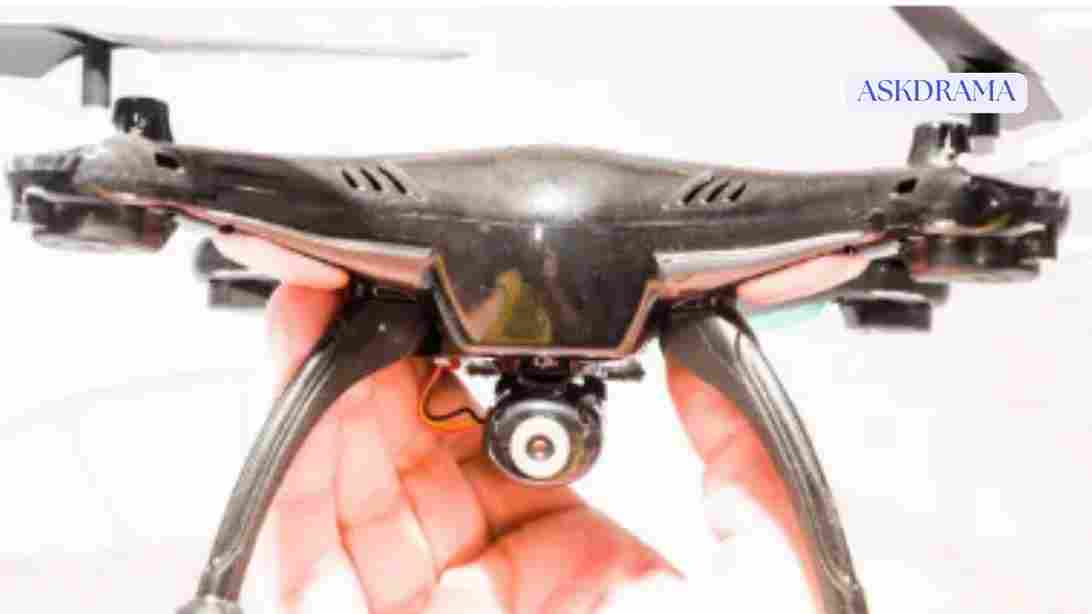
There’s nothing more frustrating than preparing your drone for flight, only to find that it won’t take off. Whether you’re a beginner or an experienced pilot, this issue is quite common and can happen for various reasons. The good news is that most problems are easy to diagnose and fix.
Why Your Drone Won’t Take Off
A drone may fail to take off due to mechanical issues, software errors, or incorrect setup. Understanding the root cause is the first step to fixing the problem.
Let’s explore the most common causes and how to solve them.
1. Low or Faulty Battery
The most common reason a drone won’t take off is a low or defective battery.
Signs:
- Drone powers on but motors don’t start
- Warning lights or alerts in the app
Solution:
- Fully charge the battery
- Check for battery damage or swelling
- Ensure the battery is properly inserted
2. Improper Battery Installation
If the battery isn’t securely connected, the drone may not function properly.
Fix:
- Remove and reinsert the battery
- Ensure it clicks into place
- Check connectors for dirt or damage
3. Controller Not Connected
If your controller isn’t properly paired with the drone, it won’t receive commands.
Solution:
- Reconnect the controller
- Restart both devices
- Follow pairing instructions in the app
4. GPS Signal Issues
Many drones require a strong GPS signal before takeoff.
Symptoms:
- Drone refuses to arm motors
- GPS warning messages
Fix:
- Move to an open outdoor area
- Wait for sufficient satellite connection
5. Safety Lock or Beginner Restrictions
Some drones won’t take off if safety conditions aren’t met.
Examples:
- Beginner mode limitations
- Geofencing restrictions
Solution:
- Check app notifications
- Adjust settings if necessary
6. Uncalibrated Sensors
Calibration issues can prevent takeoff.
Common problems:
- Compass errors
- Gyroscope misalignment
Fix:
- Perform compass calibration
- Calibrate sensors through the app
7. Damaged or Incorrect Propellers
Propellers play a crucial role in lift. If they are damaged or installed incorrectly, the drone won’t take off.
Check for:
- Cracks or bends
- Loose installation
- Wrong propeller placement (CW/CCW)
Solution:
- Replace damaged propellers
- Install them correctly
8. Motor Issues
Motors must spin freely for the drone to take off.
Signs of motor problems:
- Motors not spinning
- Unusual noise
Fix:
- Clean debris from motors
- Check for physical damage
- Replace faulty motors if needed
9. Firmware Problems
Outdated or corrupted firmware can cause operational issues.
Solution:
- Update firmware via the app
- Restart the drone after updating
10. App or Software Glitches
Sometimes the issue is not hardware but software.
Fix:
- Restart the app
- Reinstall the app
- Ensure your smartphone is compatible
11. Calibration Surface Issues
Taking off from an uneven or metallic surface can affect sensors.
Solution:
- Use a flat, stable surface
- Avoid metal or magnetic interference
12. Environmental Interference
Strong electromagnetic interference can disrupt signals.
Avoid flying near:
- Power lines
- Large metal structures
- Communication towers
Step-by-Step Troubleshooting Checklist
If your drone won’t take off, follow this checklist:
- Check battery level and installation
- Reconnect controller
- Inspect propellers and motors
- Calibrate sensors
- Ensure strong GPS signal
- Update firmware
- Restart all devices
This systematic approach helps identify the issue quickly.
When to Seek Professional Repair
If none of the above solutions work, your drone may need professional repair.
Consider repair if:
- Internal components are damaged
- Drone has been involved in a crash
- Motors or electronics fail completely
Preventing Future Issues
To avoid takeoff problems in the future:
- Perform regular maintenance
- Update firmware regularly
- Store batteries properly
- Handle your drone carefully
Safety Tips While Troubleshooting
Always prioritize safety when fixing your drone:
- Turn off the drone before inspecting
- Keep hands away from propellers
- Test in a safe, open area
Conclusion
A drone that won’t take off can be frustrating, but most issues are easy to fix with the right approach. By understanding common problems such as battery issues, calibration errors, and propeller damage, you can quickly troubleshoot and get your drone flying again.
In 2026, drones are more advanced than ever, but proper maintenance and setup remain essential. Take your time, follow the steps carefully, and always prioritize safety.
With the right knowledge and preparation, you’ll be back in the air in no time, enjoying a smooth and successful flight experience.